Understanding Auxiliary Heat in HVAC Systems
Did your winter utility bill feel like a punch to the gut? If you have a heat pump, the culprit might be a little-understood feature called ‘auxiliary heat.’ To understand this expensive backup, it helps to first know how your system works—and why it’s usually so efficient.
Many are surprised to learn that a heat pump doesn’t create heat; it just moves it. Think of it like a clever air conditioner that can run in reverse. During summer, it pulls heat from inside your home and dumps it outside. In winter, it reverses that job, grabbing existing warmth from the cold outside air and moving it inside.
- This heat-moving process is the secret to its efficiency. Since it isn’t burning fuel or using massive electric coils to generate warmth from scratch, it uses far less energy. This is how your heat pump keeps you comfortable for a fraction of the cost of traditional heating on most days.
What Is Auxiliary Heat and Why Does It Spike Your Electric Bill?
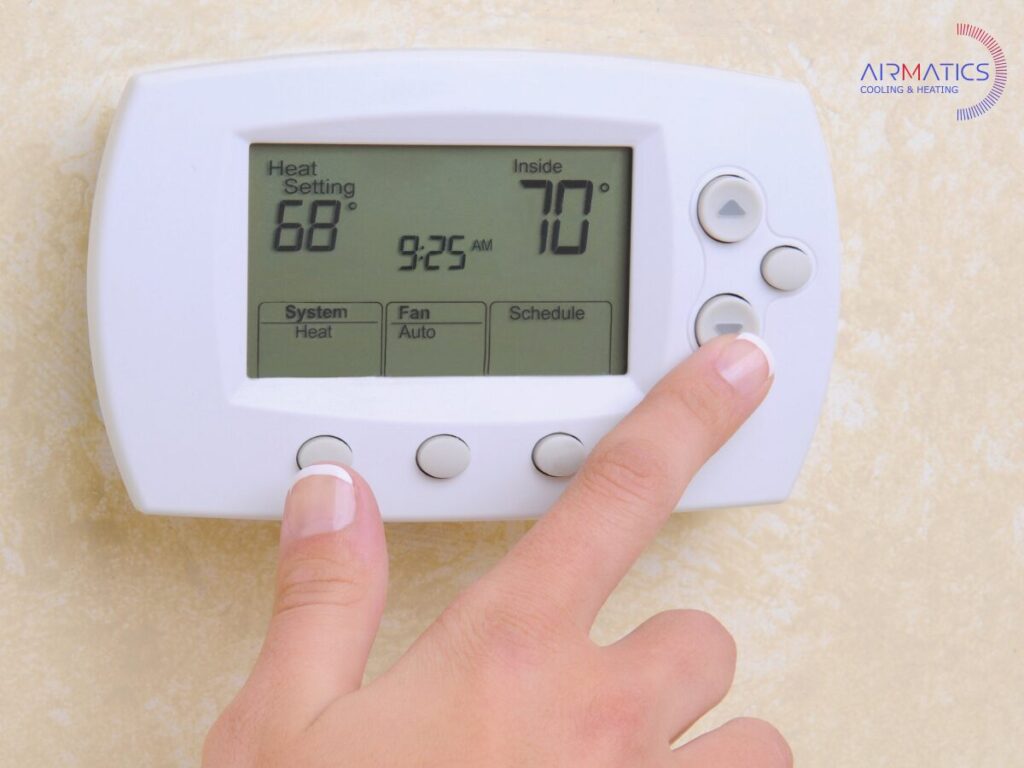
Ever noticed a small “AUX” light on your thermostat on a frigid day and worried something was broken? Don’t panic. This is your system’s built-in backup heat, known as auxiliary heat, kicking in automatically. Think of your highly efficient heat pump as the star player. But when the weather gets too cold for it to keep up, the system calls for a powerful boost from this backup.
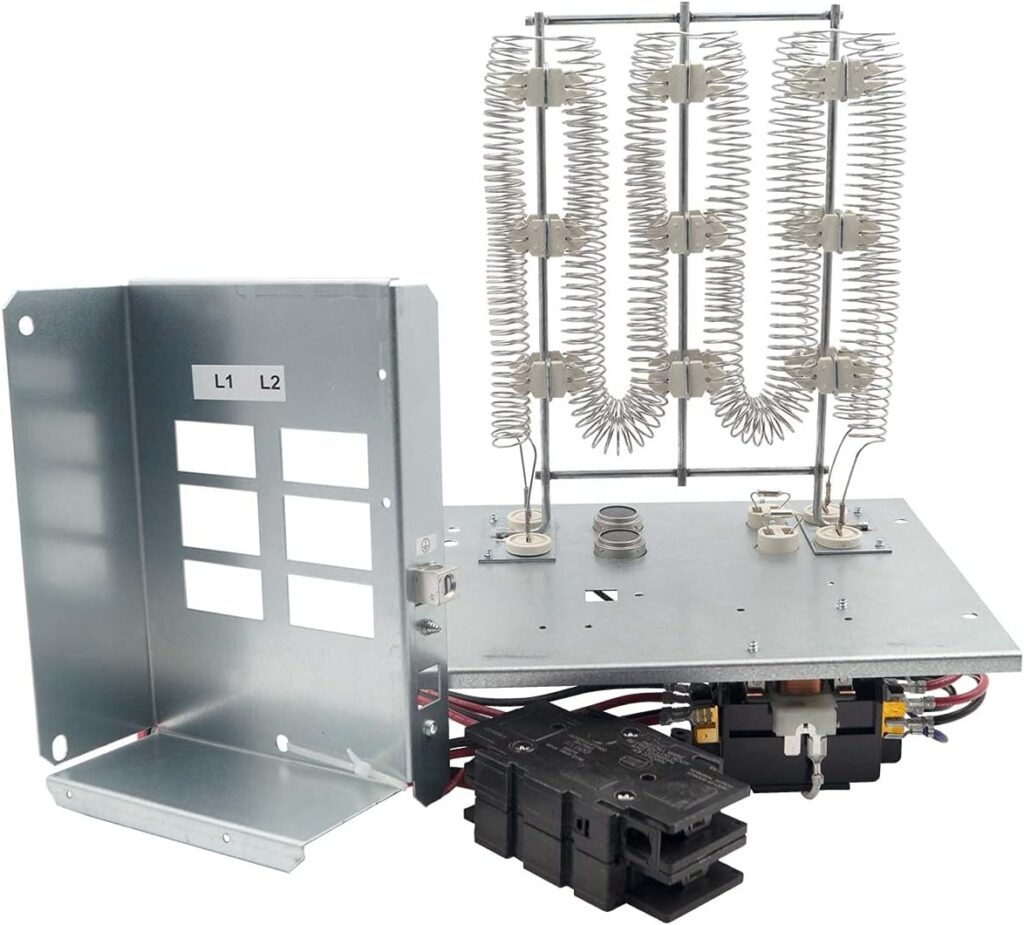
So, what is this backup? Auxiliary heat is usually a set of electric resistance coils located inside your air handler, much like the glowing wires in a toaster or space heater. Unlike your heat pump, which cleverly moves heat from the outside air into your home, these coils create heat from scratch using a lot of electricity.
That direct creation of heat is the key to why your bill can skyrocket. While very effective at warming your home quickly, running those electric coils is significantly more expensive than operating the heat pump alone. Even a few cold days where auxiliary heat runs frequently can lead to a surprisingly high utility bill. Managing this feature is key to balancing your home’s comfort and cost.
Auxiliary Heat vs. Emergency Heat: Knowing the Difference Can Save You a Fortune
When you switch to Emergency Heat, you are telling your system to give up on your efficient heat pump entirely. It forces your home to run 100% on those power-hungry electric coils. This setting is designed for one specific scenario: use emergency heat when your outdoor unit is actually broken and you need temporary warmth while waiting for a repair.
Because it locks out your most efficient heating source, using this setting unnecessarily is the fastest way to get a shocking utility bill. But what if you aren’t touching the emergency switch, and your automatic auxiliary heat still seems to be on constantly?

Seeing “AUX” is one thing, but many thermostats also have a setting for “EM HEAT.” The crucial difference between auxiliary heat and emergency heat is control: auxiliary heat is an automatic assistant that your system uses to help the heat pump. Emergency heat, on the other hand, is a manual override that you must choose to activate yourself.
Why Is My Aux Heat Always On? The 3 Most Common Triggers
If you’re wondering ‘why is my aux heat always on?’, it’s usually not a sign of a problem. Your system is simply responding to one of three common, perfectly normal situations.
The most common reason is simple: it’s really cold outside. Your heat pump is incredibly efficient, but once the temperature drops below the 35-40°F (around 3-4°C) range, there isn’t enough warmth in the outdoor air for it to move inside. This is when auxiliary heat kicks in automatically to help maintain your comfort.
A big jump on the thermostat is another trigger. If you raise the set temperature by more than two or three degrees at once, your system often sees it as an urgent request. It calls on the powerful (and costly) backup heat for a quick boost instead of letting the heat pump slowly catch up.
Finally, your heat pump has a self-maintenance routine called the defrost cycle. When the outdoor unit gets icy, it briefly runs in reverse to melt it. To keep you from getting a blast of cold air, the system simultaneously turns on the auxiliary heat to warm the air heading to your vents. This is temporary and perfectly normal.
3 Simple Ways to Keep Aux Heat Off and Lower Your Bill
Knowing what triggers your expensive backup heat allows you to take simple actions to keep it off when you don’t need it, saving money without sacrificing comfort. Here are the three most effective strategies for optimal thermostat settings:
- Adjust in small steps. Instead of making one big jump in temperature when you get home, try nudging the thermostat up by only two degrees at a time. This gentle approach avoids signaling an “emergency” to your system, allowing the more efficient heat pump to do the work.
- Set it and forget it. A programmable or smart thermostat is your best ally against high bills. Use it to maintain a steady temperature or to warm the house up gradually before you wake up. This prevents the large temperature gaps that scream for costly backup heat.
- Use the ‘Lockout’ feature. For the ultimate control, check if your thermostat has a hidden gem: an “auxiliary heat lockout” setting. This powerful feature lets you forbid aux heat from running unless the outside air drops below a specific temperature you choose (like 40°F / 4°C). This ensures your system only calls for expensive backup when it’s truly necessary.
Stay Warm and In Control
That mysterious “AUX” light on your thermostat is no longer a source of anxiety. Where you once saw a potential problem or a surprise bill, you now see your HVAC system working exactly as designed—calling in a powerful backup when the weather gets tough.
You’re now equipped with a key heat pump tip: small, steady thermostat changes help manage the cost of using auxiliary heat. By avoiding big temperature jumps, you can keep your system’s ultra-efficient star player on the field and its expensive backup on the sidelines.
So, the next time that light appears, you won’t worry about troubleshooting your heat pump. You’ll simply be in control, confident that you know how to stay comfortable without breaking the bank.
Serving Plano & Surrounding Areas
From Plano to Frisco, McKinney, Allen, and beyond, AirMatics is your local go-to for expert HVAC troubleshooting, maintenance, and repairs.
Need a Repair or Inspection?
Call AirMatics today or schedule online for fast, friendly service from certified HVAC professionals who know Texas systems inside and out.